Batch womenswear photos
Upload hanging or flat-lay womenswear photos, grouped by style and SKU. Approve clean product images first, then create on-model scenes and fabric close-ups for Amazon, Shopify, Etsy, or your own store.
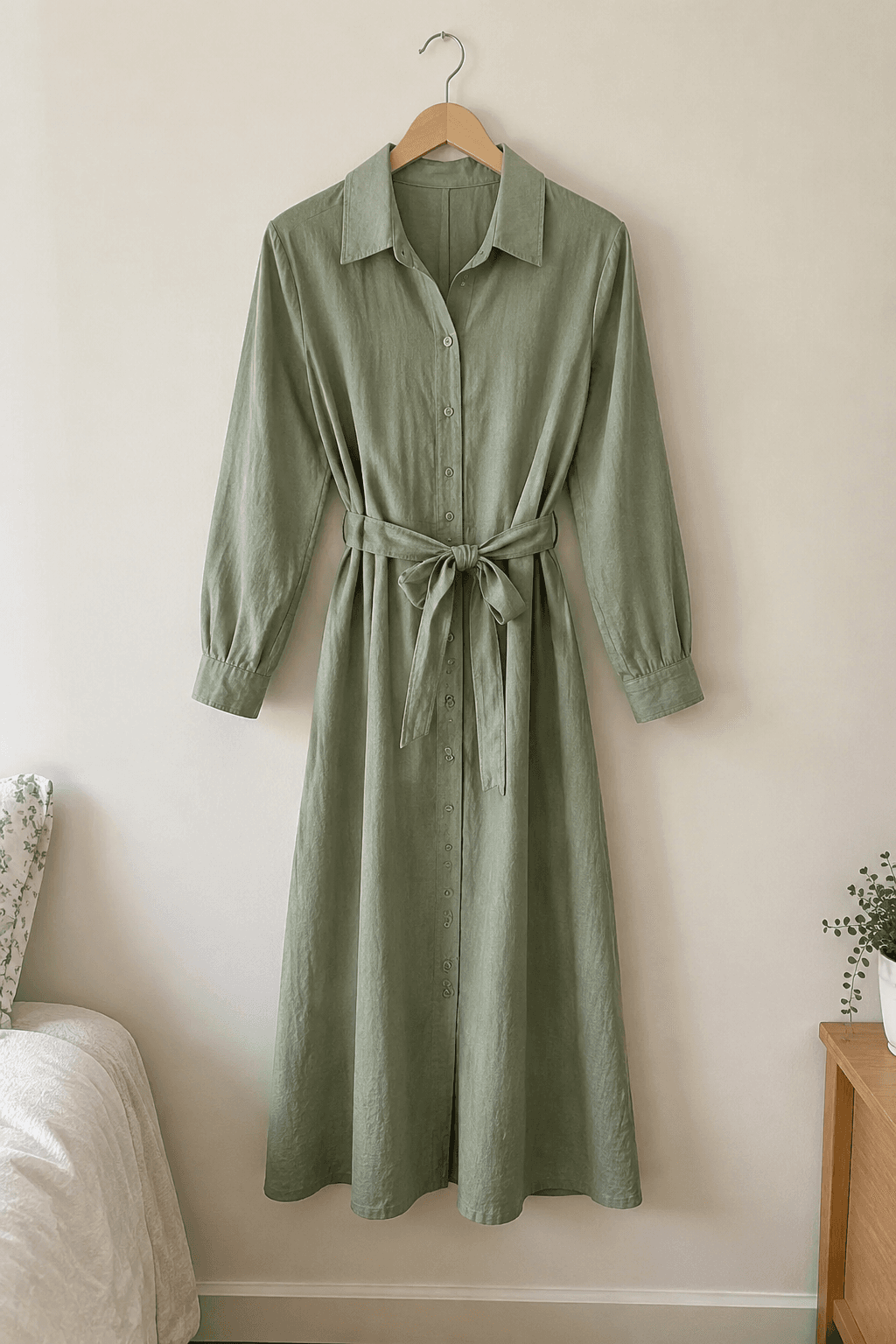
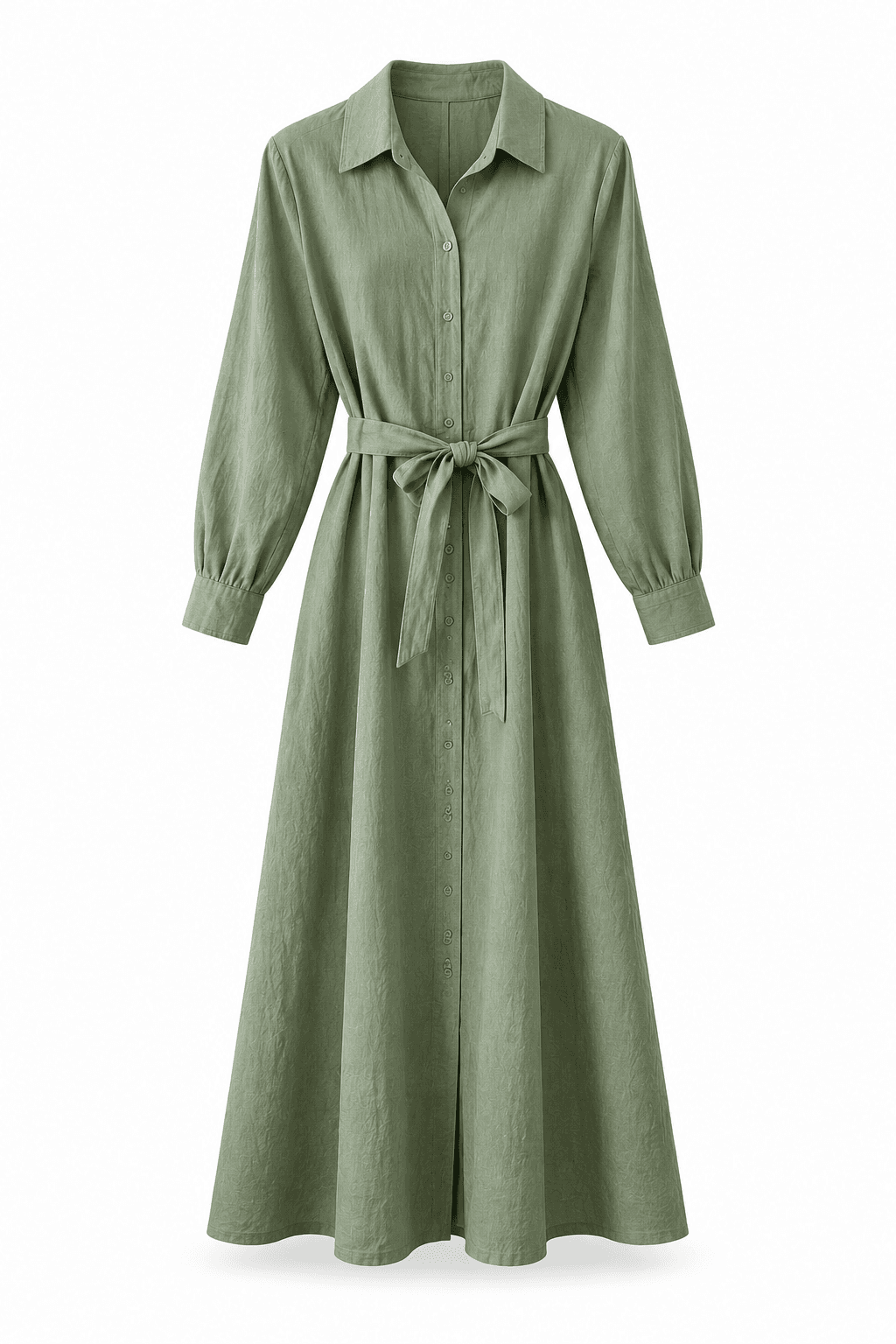
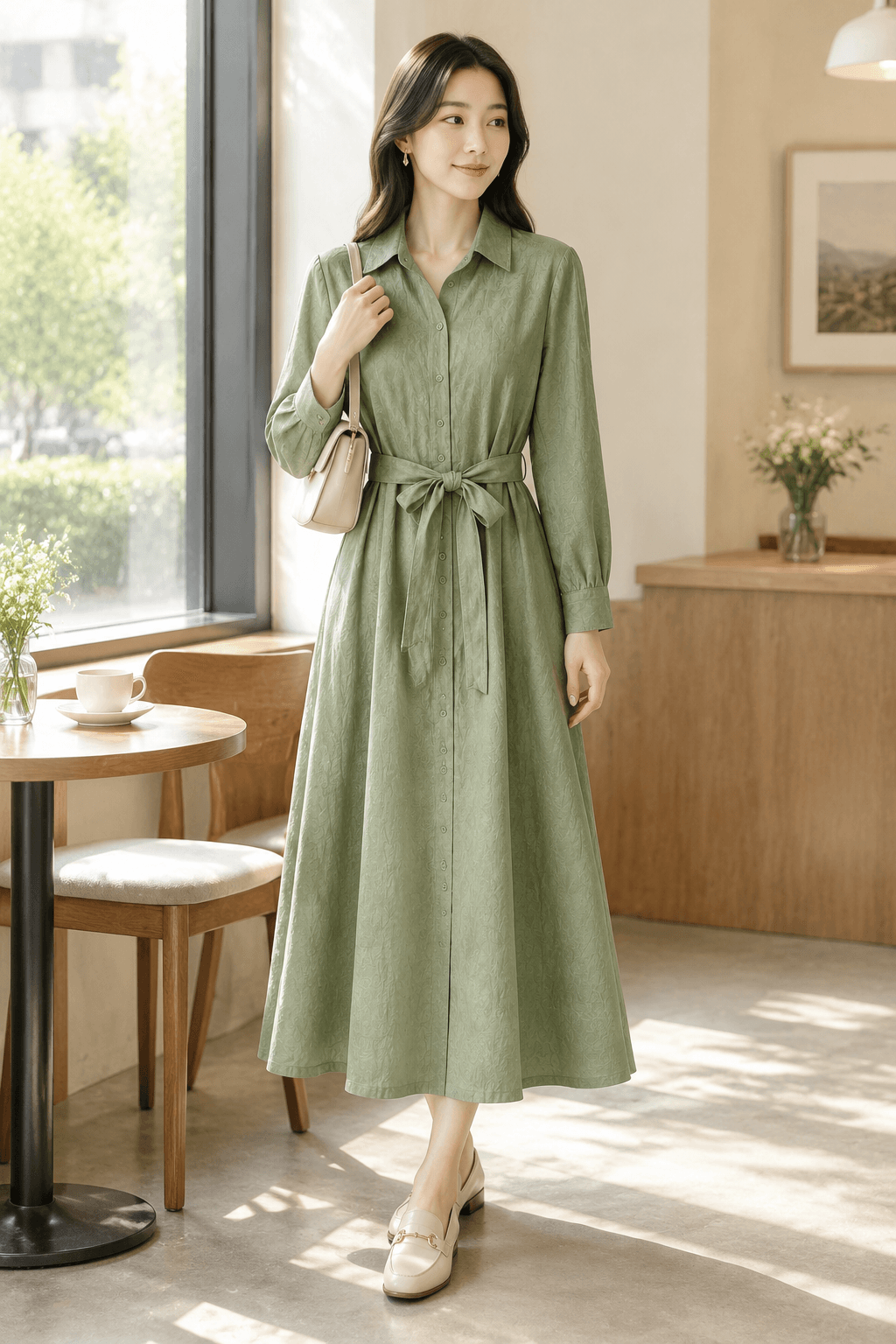
Your review decides what gets exportedThe ZIP includes the latest approved version of each image group. Download files before their roughly 2-day expiry.
CAPABILITIES / 01
Group references by garment, check its silhouette and fabric, and review each scene before delivery.
Import by folder or filename and enter SKUs
Compare each result and keep earlier candidates when retrying
Export approved images with product or SKU filenames
ASSET TYPES / 02
An approved product image becomes the base for that garment’s on-model scenes. Review fit and details at both stages.
Generate a clean product view. Compare color, shape, proportions, branding, and materials with the original before approving it.
Set scene names and prompts for your batch. Generate from approved white-background images and check for occlusion or altered product details.
Zoom and scroll the input and result together. Reject unsuitable images, edit prompts, retry, and choose from candidate versions.
WORKFLOW / 03
STEP 01
Choose images or folders. Check each product’s original and supporting references, name, and SKU. Uploading does not start generation.
STEP 02
Choose a model and output size. Generate white-background photos, compare them with the originals, and approve usable results.
STEP 03
Generate scenes from approved white-background photos. Compare each result and retry with revised prompts while retaining earlier versions.
STEP 04
Download a ZIP with product or SKU filenames, or batch/product folders. Only the latest approved, unexpired version of each image group is exported.
USE CASES / 04
Organize the original photos for multiple products and carry their names and SKUs through review and export.
Use a shared scene plan across products, then revise individual prompts where the result needs work.
Create distinct scenes for dresses, knitwear, tailoring, casual trousers, and graphic tees while keeping each garment recognizable.
FAQ / 05
Yes. Describe commuter, street, cafe, resort, or other styling in your prompts. Review the silhouette, print, and fabric before publishing; results vary with the source image and scene.
Approve a white-background image for each product first. You can then generate that product’s scenes and close-ups using your scene prompts.
No. Rejection records your review notes. Edit the prompt and start a new generation separately. Retries consume credits, preserve previous candidates, and produce new results that need review.
The ZIP includes the latest approved, unexpired version of each image group. Rejected and unapproved images are excluded. Cloud files are available for about 2 days; download them before expiry. Batch history remains on your account.
READY FOR YOUR NEXT LAUNCH?
Import the photos you already have. Review the generated image set and export only the results you approve.
 FaFaFa AI